![GBF-Logo.png]](https://support.greatbooks.org/hs-fs/hubfs/GBF-Logo.png?height=50&name=GBF-Logo.png)
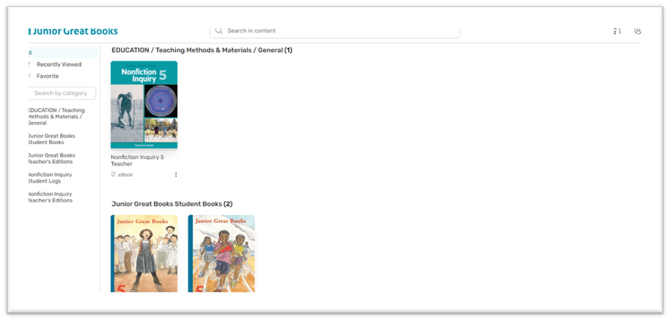
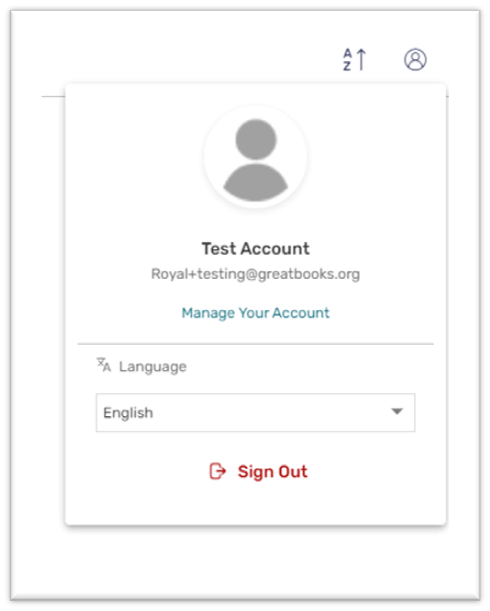
Please log into your Teacher account in the Reader. At the top right-hand corner, there is a Profile button. See below. Please click that button.
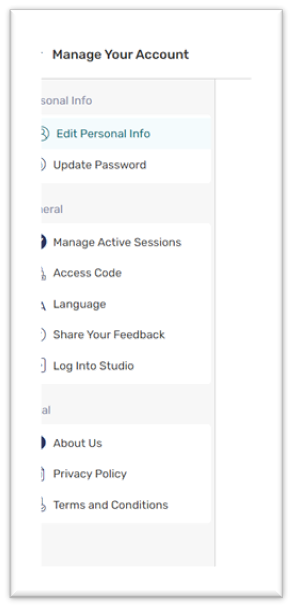
Now click on the Manage Your Account link.
Then, click Log Into Studio.
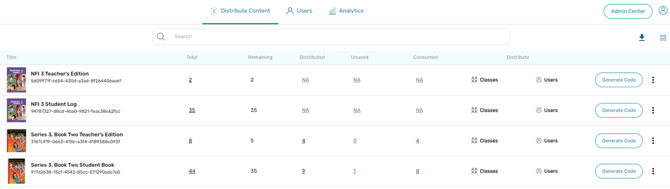
When you get to this page, click the three dots at the end of the row. A pop-up will appear (if integrating with SSO) with these choices: Info, Bulk Revoke, and Collection Title List. Click Collection Title List.
After you click Grade Assessment, you can see the information. Click the Preview button.
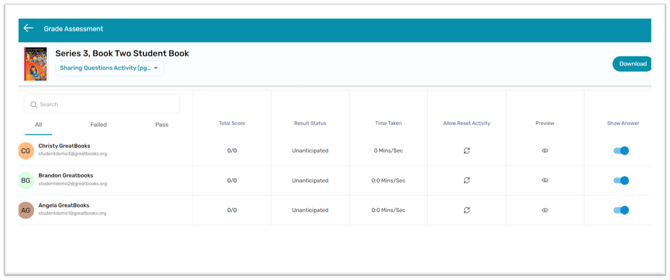
After you click the Preview button, you will see the answers.
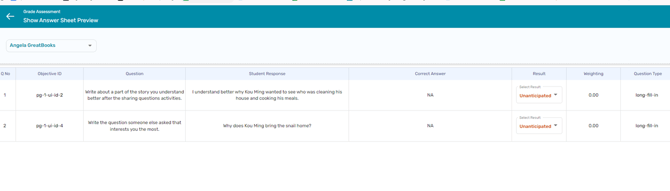
Here is a helpful video on how to review student work.
If you have any questions while reviewing your books, don’t hesitate to reach out to support@greatbooks.org.